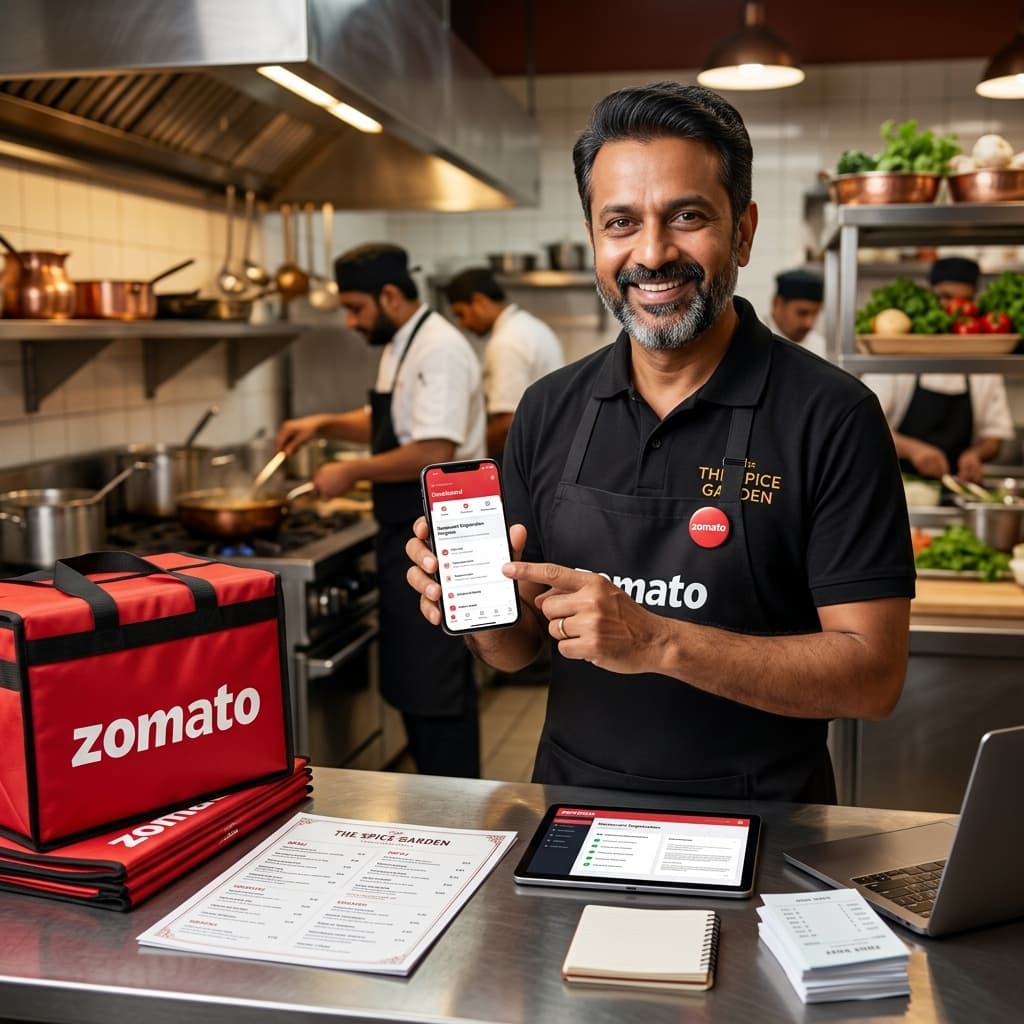
Zomato is India's largest food delivery platform with over 17 million monthly active users and presence in 800+ cities. If your restaurant is not on Zomato, you are missing out on a significant portion of the food delivery market in India.
This comprehensive Zomato onboarding guide covers everything you need to know about registering your restaurant on Zomato — from the documents required and the step-by-step registration process to tips that will help you go live faster and start getting orders immediately.
What is Zomato Restaurant Onboarding?
Zomato restaurant onboarding is the official process through which your restaurant gets registered and listed on the Zomato food delivery platform. Once registered and approved, your restaurant becomes visible to Zomato customers in your delivery radius, who can browse your menu and place orders.
Zomato has two main listing types for restaurants: Zomato for Delivery (food delivery service) and Zomato for Dine-in (online presence for dine-in customers). This guide focuses on the delivery onboarding process, which is where most new revenue comes from.
Documents Required for Zomato Restaurant Registration
Preparing all documents before you start the Zomato onboarding process is critical. Missing documents are the #1 reason for delays and rejections. Here is everything you need:
- FSSAI License — Valid FSSAI registration or central/state license (mandatory, no exceptions)
- GST Certificate — GST registration certificate (required if annual turnover exceeds ₹20 lakhs)
- PAN Card— Restaurant owner's or business entity's PAN
- Bank Account Details — Cancelled cheque or bank passbook (for Zomato payment settlements)
- Restaurant Photos — At least 3–5 high-quality photos of your outlet (exterior, interior, kitchen area)
- Complete Menu — Full menu with item names, descriptions, prices, and Veg/Non-veg tags
- Aadhaar Card— Owner's identity proof
- Trade/Shop License — Issued by local municipal authority
💡 Expert Tip: A common mistake is uploading low-resolution document scans. Ensure all document uploads are clear, properly lit, and show all text legibly. Blurry uploads are automatically flagged for re-submission, adding 3–5 days to your approval timeline.
Step-by-Step Zomato Onboarding Process
Step 1 — Register on Zomato Partner Portal
Visit partner.zomato.comand click "Add Your Restaurant." Enter your mobile number and verify with OTP. This creates your Zomato partner account, which you will use to manage your restaurant listing going forward.
Step 2 — Enter Restaurant Information
Fill in all basic restaurant details carefully:
- Restaurant name — Use your official name as it should appear to customers
- Full address — Exact address with landmark and pincode for accurate delivery mapping
- Cuisine type(s) — Select all cuisines you serve (use multiple for better visibility)
- Operating hours — Set accurate hours — wrong hours lead to bad reviews and lower ratings
- Cost for two— Average cost for two people dining (affects Zomato's search filters)
Step 3 — Upload Business Documents
Upload clear, colour scans of all required documents. Zomato's verification team manually reviews each document. Common issues include:
- Expired FSSAI licenses (check the expiry date before uploading)
- PAN card name not matching restaurant registration name
- Bank account in a different name than the business
Step 4 — Build Your Menu on Zomato
This is the single most important step of your Zomato onboarding. A well-built menu can generate 3–5x more orders than a poorly structured one. For each menu item:
- Item name— Descriptive and appetizing (e.g., "Butter Chicken Masala" not just "Butter Chicken")
- Category — Organize items logically (Starters, Main Course, Breads, Beverages, Desserts)
- Price — Research competitor pricing before setting yours
- Item Photo — Professional food photos are non-negotiable for top performance
- Description — 40–60 words highlighting ingredients, taste, and portion size
- Veg / Non-veg tag — Mandatory. Wrong tagging results in complaints and rating drops
- Bestseller tag — Mark your top 3–5 items as bestsellers after going live
Step 5 — Set Up Zomato Payment Account
Add your restaurant's bank account for payment settlement. Zomato settles payments on a weekly basis. Ensure the account name matches your business registration to avoid payment holds.
Step 6 — Zomato Verification Process
After submission, Zomato's partner team conducts a verification. This may be a phone call or, in some cities, a physical visit to confirm your restaurant's existence and compliance. Once verified and approved, your restaurant goes live on Zomato.
Zomato Onboarding Timeline — How Long Does It Take?
| Stage | Duration |
|---|---|
| Document Preparation | 1–3 days (your side) |
| Zomato Initial Review | 3–5 working days |
| Verification Call/Visit | 2–5 working days |
| Final Approval & Go Live | 1–3 working days |
| Total (Typical) | 7–15 working days |
Zomato Commission Structure — What Does Zomato Charge?
Zomato charges a commission on every order processed through the platform. The commission structure is important to understand before you price your menu:
- Standard commission: 18%–25% of the order value
- Metro cities (Delhi, Mumbai, Bangalore, Hyderabad): Usually 20%–25%
- Tier-2 cities: Typically 18%–22%
- Zomato Gold partner restaurants may have different commission agreements
Factor this commission into your menu pricing to ensure you maintain healthy margins. At FoodFreely, we help restaurants build a pricing strategy that keeps them profitable even after Zomato's commission.
How to Grow Fast After Zomato Onboarding
1. Run Zomato In-App Ads Immediately
New restaurants on Zomato have low organic visibility. Running targeted Zomato ads in the first 30–60 days builds your order history and ratings, which then fuel organic growth. Even a ₹200–500/day budget can significantly accelerate early growth.
2. Offer a Launch Discount
A 20–30% launch discount on your first 100 orders drives trial and reviews. This is especially effective in competitive markets. Once you have 50+ reviews with a 4+ rating, you can gradually phase out discounts.
3. Respond to Every Review
Zomato's algorithm rewards restaurants that actively engage with customer reviews. Respond to both positive and negative reviews within 24 hours. This signals to Zomato that you're an active, quality partner.
4. Optimize Your Listing for Zomato's Search Algorithm
Zomato's search algorithm considers listing completeness, cuisine tags, keyword relevance, and order volume when ranking restaurants. At FoodFreely, our Zomato listing SEO service specifically optimizes all these signals so your restaurant ranks higher for relevant searches in your city.
5. Keep Your Menu Updated
Outdated menus with unavailable items lead to order cancellations, which damages your ranking. Update your menu regularly — add seasonal specials, remove discontinued items, and refresh photos periodically.
Zomato Onboarding vs. Swiggy Onboarding — Key Differences
| Feature | Zomato | Swiggy |
|---|---|---|
| Commission Range | 18%–25% | 15%–25% |
| Onboarding Time | 7–15 days | 7–14 days |
| Dine-in Listing | ✅ Yes | ❌ No |
| Cloud Kitchen Support | ✅ Yes | ✅ Yes |
| Payment Cycle | Weekly | Weekly |
We recommend registering on both Zomato and Swiggy simultaneously. Different customers use different platforms, and being present on both maximizes your reach and revenue.
Frequently Asked Questions About Zomato Onboarding
Can a cloud kitchen register on Zomato?
Yes, Zomato actively supports cloud kitchens. You need a valid FSSAI license for your kitchen's address and all other standard documents. Cloud kitchens can operate under the same registration process as traditional restaurants.
How do I check my Zomato registration status?
Log in to partner.zomato.com with your registered mobile number. The dashboard shows your application status and any pending document requirements.
Can I list the same restaurant on both Zomato and Swiggy?
Absolutely, and you should. Being listed on both platforms doubles your potential customer reach. You can manage both listings independently with different menus, pricing, and offers if needed.
What if my Zomato application gets rejected?
Rejections are usually due to incomplete or incorrect documents. Check the rejection reason in your partner dashboard, correct the issue, and resubmit. If you face repeated rejections, contact Zomato's partner support or get help from an expert consultant like FoodFreely.
Conclusion
Zomato onboarding is a structured process that, when done correctly, takes 7–15 working days. The keys to success are having complete documents ready, building a high-quality menu with professional photos, and understanding the commission model before you go live.
Once you're live on Zomato, the real work begins — optimizing your listing, managing ads, building ratings, and growing your orders month over month. If you need expert help with any part of this journey, FoodFreely is India's specialized Swiggy and Zomato growth consultancy. We've helped 150+ restaurants across India start strong and grow fast after onboarding.